Blog · October 2, 2026 · Rich Chetwynd
10 Retool Alternatives for Secure Internal Apps
Compare 10 Retool alternatives for internal apps, including features, hosting, security, pricing patterns, governance, use cases, and migration guidance.
A Retool replacement shouldn’t be chosen from a feature checklist. The prototype is only the easy part. The harder questions start after launch: who hosts the app, who controls identity and secrets, how changes are approved, how failures are detected, whether backups can be restored, and what the bill looks like when more teams depend on the tool.
Retool emerged in 2017 as one of the best-known developer-first internal tool platforms. By 2026, independent business-intelligence sources described it as serving more than 10,000 organizations, with one estimate putting its reach at roughly 385,000 accounts and more than 30,000 paying customers. Its $45 million Series C extension at a $3.2 billion valuation in 2022 showed that internal app building had become a serious software category, not a niche developer experiment. Those figures come from this Retool market overview.
The market is now broad enough that the right choice depends on your operating model. Enterprise spending on low-code and no-code solutions grew 18% year over year in 2025, while a 2026 industry source said low-code platforms handled 41% of new internal tool deployments. See the low-code market context for 2026 for the underlying figures.
Below are 10 Retool alternatives, assessed as production tools rather than demo builders. The shortlist differs by buyer: Croft is a strong fit for SMBs and operations teams that want private, governed AI-built apps; Superblocks and Forest Admin suit more demanding enterprise environments; Appsmith, ToolJet, Budibase, and Openblocks prioritize self-hosting and ownership.
Table of Contents
- 1. Croft
- 2. Superblocks
- 3. Appsmith
- 4. ToolJet
- 5. Budibase
- 6. UI Bakery
- 7. DronaHQ
- 8. Jet Admin
- 9. Forest Admin
- 10. Openblocks
- Top 10 Retool Alternatives, Feature & Pricing Comparison
- Choose the Operating Model Before the Builder
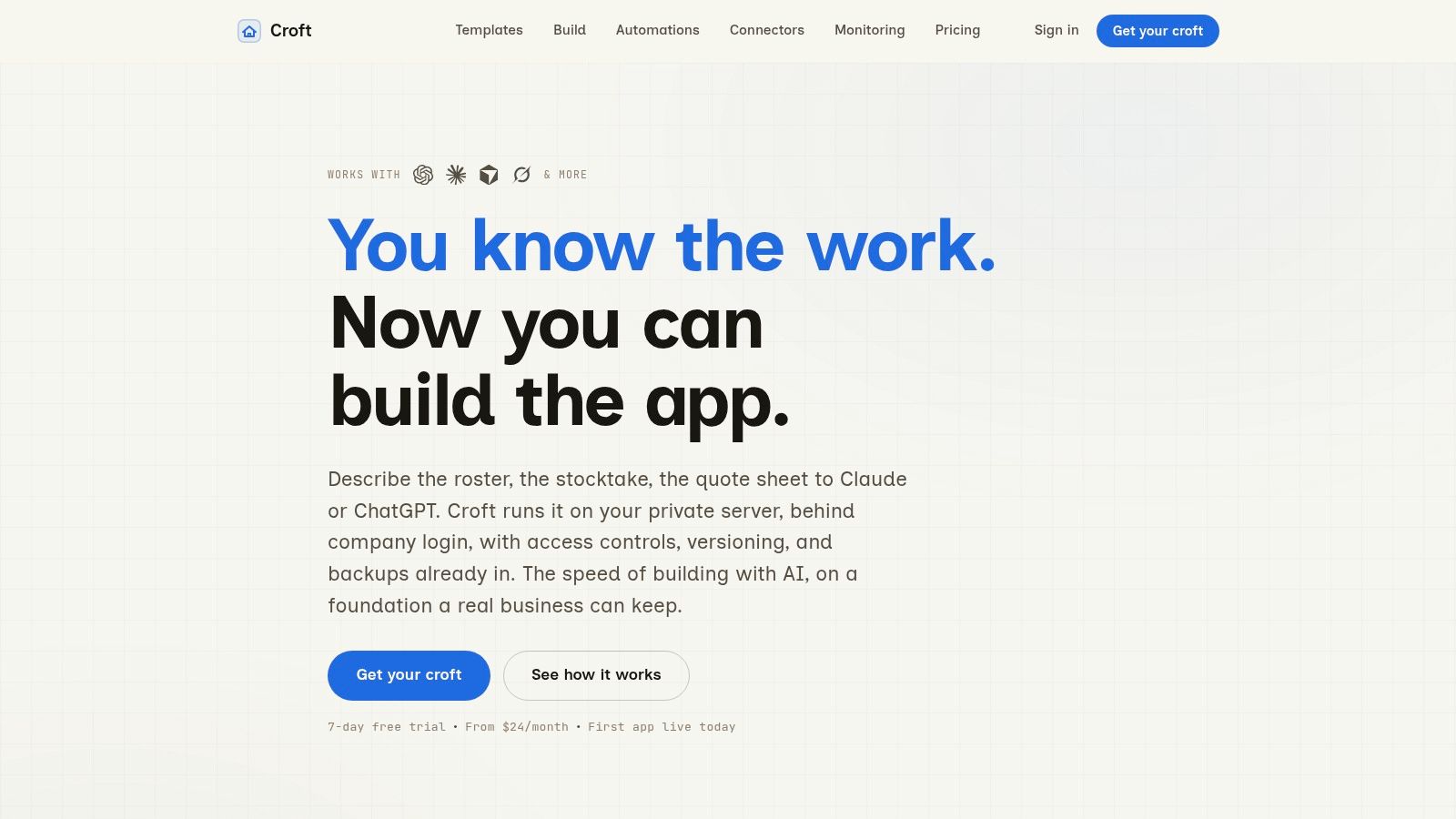
1. Croft
Croft takes a different position from most Retool alternatives. It treats AI-generated internal apps as software that needs to be hosted, monitored, secured, backed up, and recovered, not as disposable prototypes that an engineer owns indefinitely.
Each customer gets a named private server, or “croft,” where multiple apps run behind company-grade single sign-on. Passkeys, centralized people management, role-based access, per-app controls, and audit trails put access decisions in one place instead of forcing every generated app to implement its own login and credentials.
Built for the day after launch
Croft connects with Claude, ChatGPT, Grok, Copilot, Cursor, or Croft Build. You can describe a finance dashboard, commission tracker, hiring pipeline, stocktake tool, or client portal and then deploy it on private infrastructure. The important distinction is what happens after deployment.
Croft includes monitoring for errors, logs, and response times, plus email alerts. Deployments are versioned and reversible, so a faulty change can be rolled back with one click. Backups are continuously tested and export code, the database, and files in Docker-ready form. That gives an operations team a recovery path instead of an assumption that the latest copy is usable.
Practical rule: If an AI assistant can create an app, your platform should also show who approved its connectors, what changed, and how to restore the previous version.
Connector governance is another differentiator. Croft supports Stripe, HubSpot, email, and arbitrary APIs, while keeping keys in the platform and requiring administrator approval for sensitive sources. That matters as AI-generated apps make shadow IT faster to create. Independent coverage of AI app generation continues to identify SSO, audit logs, and controlled data access as decisive enterprise requirements, as discussed in this analysis of leading Retool alternatives.
Croft uses flat-plan pricing without usage metering or token markup, and customers bring their own AI accounts. Plans start at $24 per month, with a 7-day free trial and no card required. Higher tiers add capabilities such as data residency and audit exports. The trade-off is deliberate: Croft is for internal and small-scope business apps, not internet-scale consumer products. You also need to supply your own AI accounts, while optional Croft Build features use credits.
For teams comparing the Croft and Retool operating models, the core question is whether private hosting, portability, monitoring, tested backups, and predictable plans matter more than Retool’s established developer workflow.
2. Superblocks
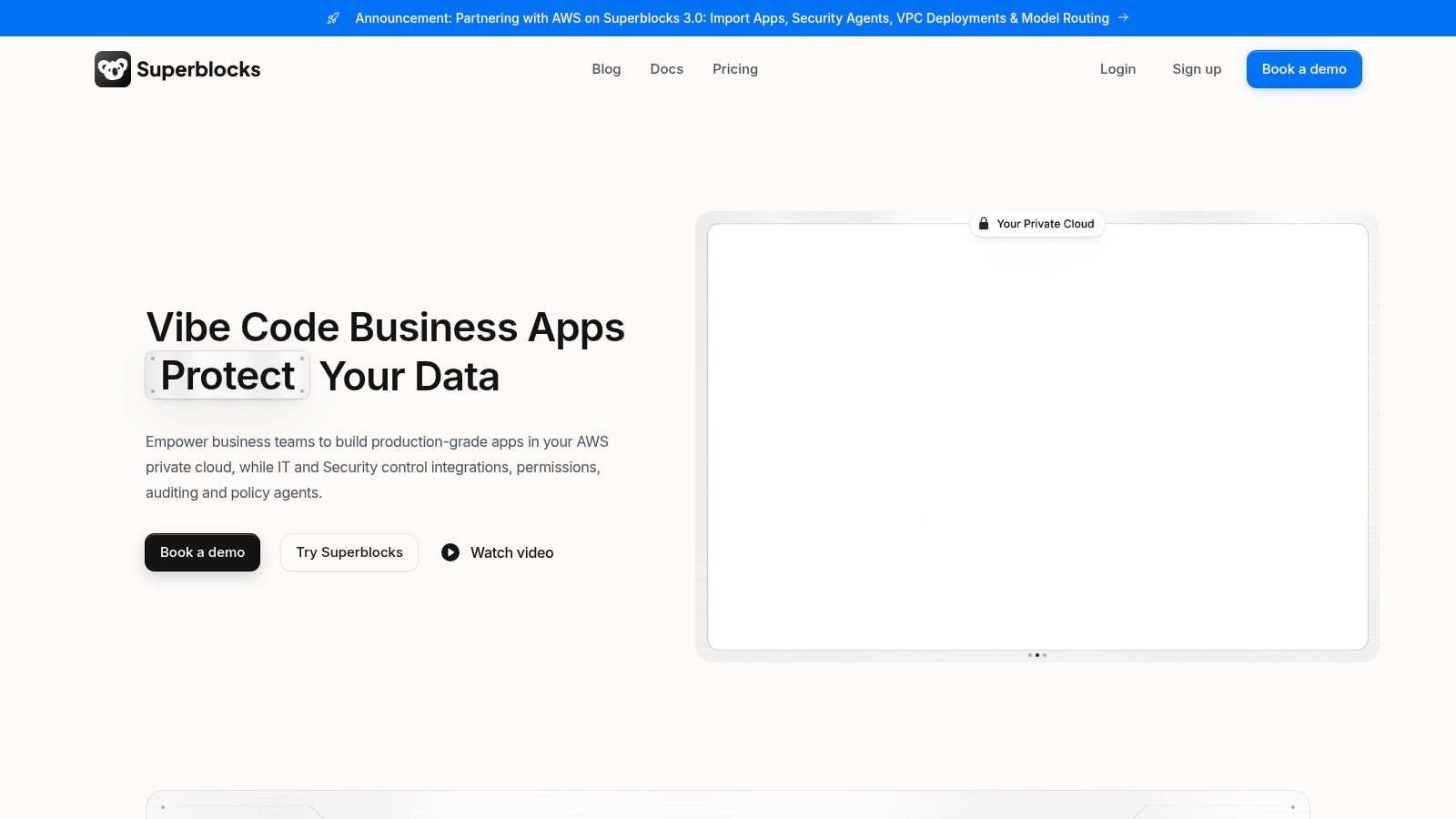
Superblocks is a developer-focused choice for organizations that want AI-assisted building without giving up deployment control. Its Clark AI agent can generate and edit applications from natural-language instructions, but the platform keeps the surrounding environment familiar to IT teams.
The hosting model is the main attraction. Superblocks supports cloud, hybrid, and VPC deployment through Cloud-Prem. That gives security teams more options than a standard software-as-a-service deployment, especially when applications need to operate close to internal services or regulated data.
Strong controls, more planning
Superblocks includes staging and production environments, Git-based source control, RBAC, SSO through SAML or OIDC, audit logs, and integrations with observability platforms such as Datadog, Splunk, and New Relic. Its integration library covers more than 50 integrations, according to the Superblocks platform.
That combination works well when developers remain responsible for application changes but security and platform teams need visibility into deployments. It also gives you a more credible answer to the ownership question: application code can move through environments, and operational signals can feed existing monitoring systems.
The cost structure needs closer examination. The Team plan limits hosted apps, and additional apps can add per-app fees. Pricing also uses AI and GAU units, which introduces planning work for finance and IT. A team that values VPC deployment and governance may accept that complexity, but a small operations group looking for a simple monthly bill probably won’t.
Superblocks is strongest when the buyer already has platform engineering habits. It isn’t the easiest option for a non-technical department that wants to create and maintain an app without engineering involvement. For that audience, the flexibility can become a maintenance obligation.
Read the Superblocks comparison for internal app teams when VPC or hybrid deployment is central to your evaluation.
3. Appsmith
Appsmith remains one of the clearest choices for teams that want an open-source Retool alternative and are prepared to operate it. The builder exposes JavaScript throughout the interface, which makes it flexible for developers and less approachable for purely operational users.
You can build interfaces with drag-and-drop components, connect REST and GraphQL APIs and databases, create workflows, use custom widgets, and manage changes through Git. The source-visible approach is valuable when a company wants to inspect how an app works rather than rely entirely on a hosted vendor abstraction.
Ownership shifts to your team
Appsmith supports self-hosting, managed hosting, and air-gapped deployment options on Enterprise. The open-source ecosystem and documentation are useful advantages, particularly for engineering teams that want to extend the platform or keep applications inside their own environment. Its official product documentation provides the current deployment and edition details.
The trade-off is operational. Self-hosting means your team owns patching, infrastructure, access hardening, backups, monitoring, and incident response. Open source reduces vendor dependence, but it doesn’t remove the work required to run a production service.
Pricing can also change depending on who builds and who uses the app. Appsmith doesn’t add a separate developer-seat surcharge, which helps mixed builder and viewer teams. However, advanced SSO, SCIM, and CI/CD capabilities sit on the Enterprise tier. The cloud free tier supports up to five users, so a growing team may need to move to a paid plan, as described in the internal-tool building guide.
Choose Appsmith when source ownership and self-hosting lead the decision. Don’t choose it solely because the license appears cheaper. Price the people who will keep the instance secure and recoverable.
4. ToolJet
ToolJet combines an open-source core with a more explicit AI and agent story. It offers a visual builder, JavaScript and custom React components, built-in ToolJet DB, and connectors for a broad range of data sources. Teams can also use prompt-to-app features and reusable modules to speed up the first version.
The platform supports 80+ UI components and 100+ data sources, according to the ToolJet product site. Git synchronization and branching help teams introduce more disciplined change management than direct edits in a production workspace.
Useful AI, uneven commercial boundaries
ToolJet’s Community edition gives teams a path to self-hosting, while Enterprise adds identity, audit, white-labeling, and other controls. OIDC, SAML, and LDAP support are available through enterprise capabilities, so security requirements can affect the edition you need rather quickly.
The AI features are useful when the team wants to generate a starting point without handing the entire deployment process to an external model service. BYOK options and the ability to connect the platform to selected AI providers can help security teams control which accounts and models are used. Those options may require higher tiers, and AI credit usage can make cost forecasting less direct.
ToolJet suits a technical team that wants both an OSS foundation and modern AI-assisted creation. It doesn’t eliminate the need for review. Generated queries, permissions, workflows, and connector scopes still need testing before the app touches sensitive data.
The main operational question is whether your team wants a managed cloud product or the responsibility of running the Enterprise deployment. ToolJet gives you both paths, but the governance experience and pricing can vary substantially between them.
5. Budibase
Budibase is a practical fit for teams building forms, CRUD tools, approvals, and simple operational workflows over existing data. Its visual builder is less intimidating than a code-first system, and it also includes automations and an agent builder.
The strongest ownership option is the fully open-source self-hosted edition, which supports unlimited users. That makes Budibase attractive when a small company needs many internal viewers but has a limited licensing budget. It can connect to external databases and REST services, or use its own data layer for smaller applications.
Match the price unit to the work
Budibase supports bring-your-own AI keys, SSO, audit logs, backups, restore capabilities, and embeddable micro frontends. Availability depends on the plan, so a security review should confirm which edition includes the controls your team needs. The Budibase platform is the right starting point for current deployment and plan details.
Cloud pricing is based partly on actions and can align well when cost should follow work performed rather than a simple seat count. It can also create a different kind of risk. Hard monthly action caps require careful sizing, especially for automations that trigger frequently or serve a large internal audience.
Budibase works best when the app has a clear data model and straightforward workflows. Complex interaction design, unusual business logic, or highly polished interfaces can push you toward custom code or another platform. The OSS option also means your team must provide monitoring, patching, backup verification, and recovery procedures.
Pick Budibase for data sovereignty and practical internal workflows. Avoid treating self-hosting as a free managed service. The infrastructure bill may be modest, but someone still needs to own it.
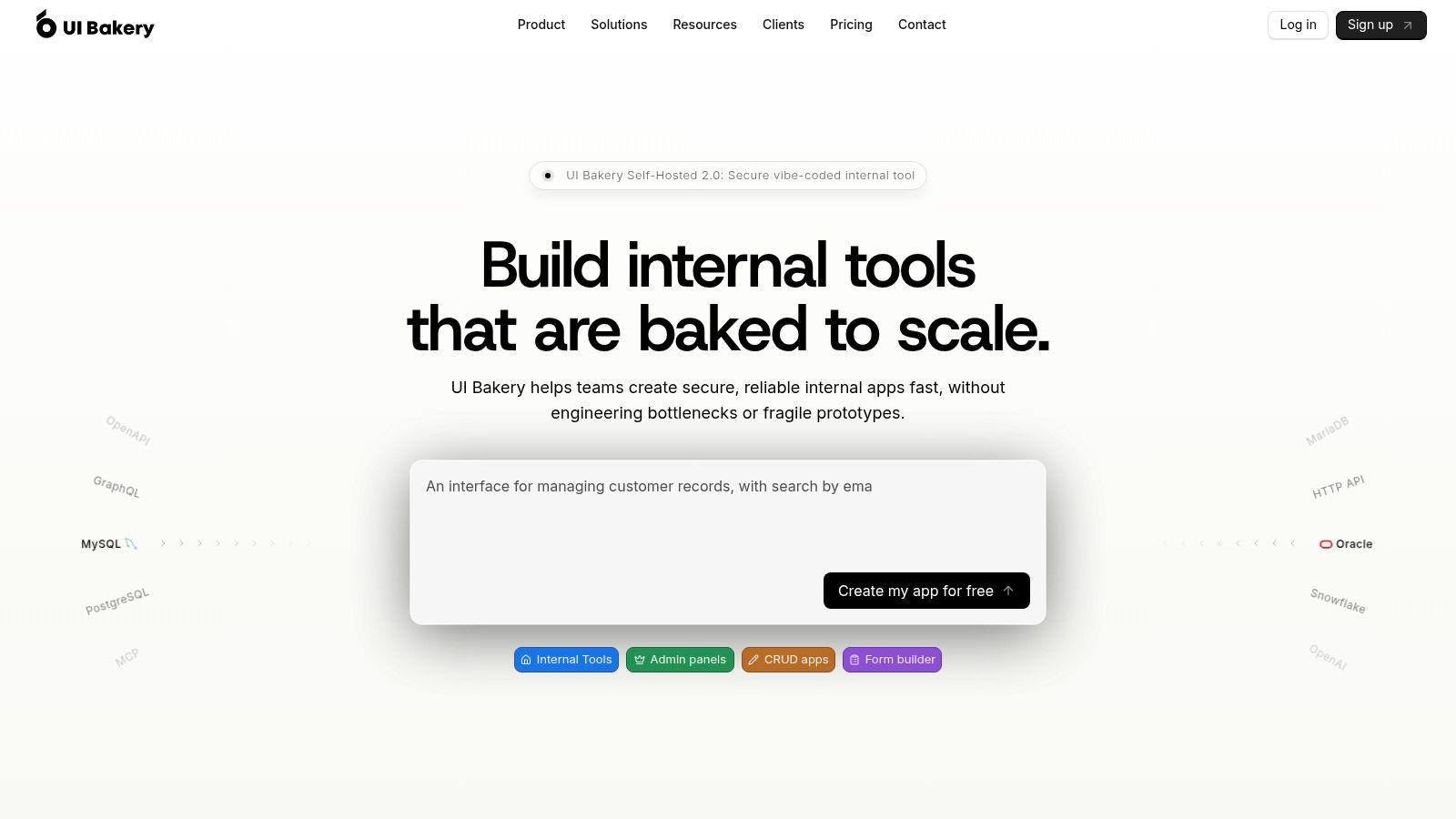
6. UI Bakery
UI Bakery targets mixed teams that want a visual builder without excluding developers. Operations users can assemble screens and workflows, while engineers can extend the result with code, connect APIs, and manage environments more formally.
Its security feature set includes SSO through SAML or OIDC, MFA, RBAC, audit logs, Git integration, and separate environments. Self-hosted deployment can run through Docker or Kubernetes, which gives regulated organizations a route away from a fully managed cloud setup.
A good fit for internal audiences
UI Bakery’s licensing model is appealing when many people need to view or use an app but only a smaller group builds it. Plans can include unlimited viewers, while pricing remains centered on developers. That structure avoids charging every occasional internal user as though they were an application maintainer.
The UI Bakery website documents its AI App Generator and BYOK options. AI-assisted building can shorten the first draft, but the usual review work remains. Check generated permissions, data transformations, error states, and the behavior of actions that write back to production systems.
Some audit and observability features are reserved for Enterprise. Cloud licensing can also bill AI credits per developer in certain scenarios, so the apparent simplicity of developer-based pricing may not be the whole cost picture.
UI Bakery is a strong middle ground for teams that want more governance than a basic no-code tool and less infrastructure work than a raw open-source deployment. It isn’t the best choice for an organization that requires complete source ownership, and it may be more platform than a small team needs for one simple dashboard.
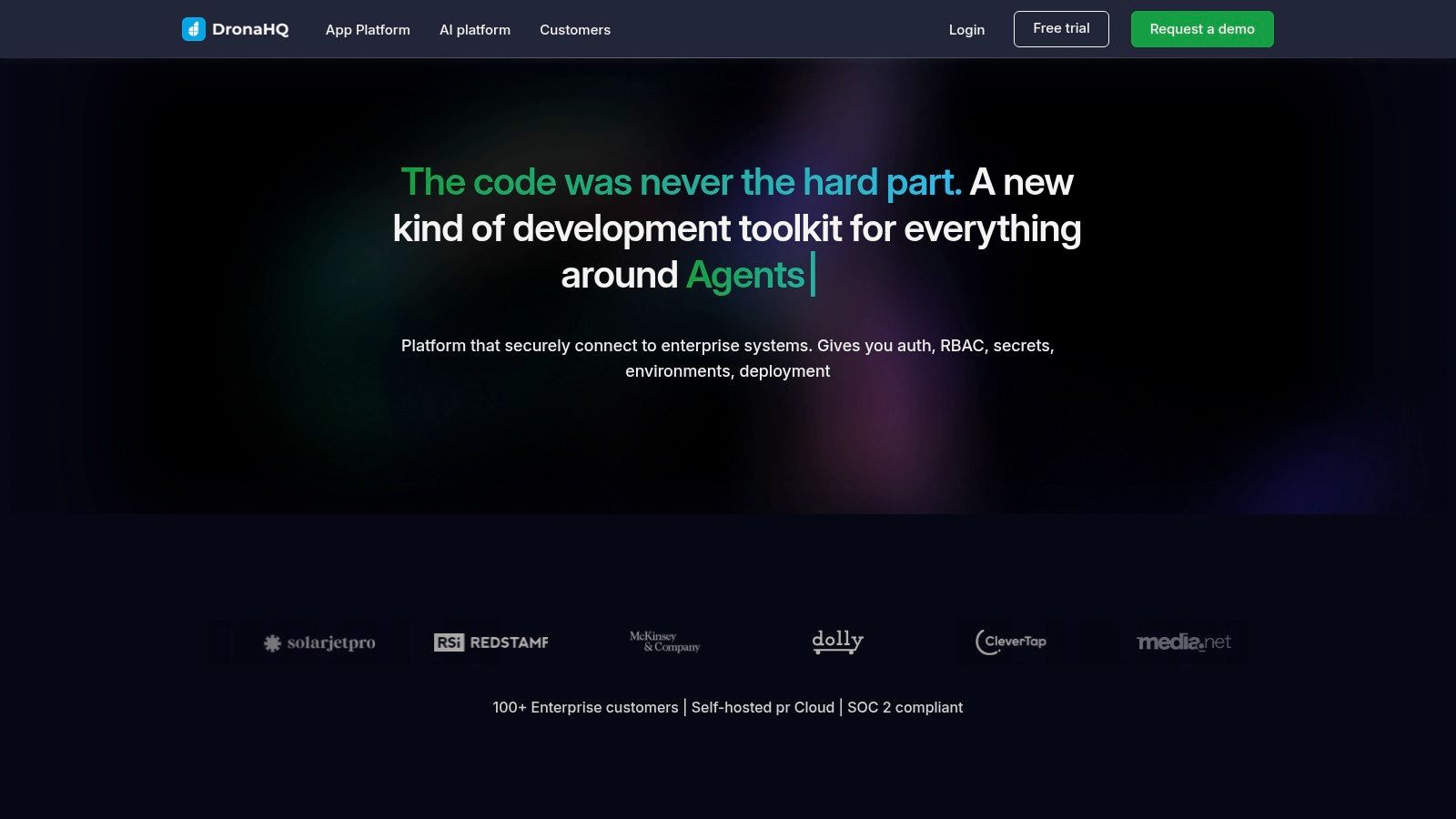
7. DronaHQ
DronaHQ earns consideration when “internal app” includes mobile, portals, field workflows, and agent-led interactions. It supports internal tools and multi-experience applications in one environment, rather than forcing a desktop-first tool to stretch into a mobile use case.
The platform offers 100+ UI components, reusable queries and APIs, themes, environments, custom connectors, app catalogs, and support for chat, voice, and RAG-based AI tooling. Its DronaHQ product site describes the broader application surface and enterprise identity options.
Capability comes with a learning curve
SAML and OIDC SSO, granular permissions, and audit logging cover the core governance needs. Higher tiers add SCIM and additional enterprise controls. Self-hosting is available, which can help organizations that need more control over where the app and its connections run.
DronaHQ’s task-based pricing deserves attention during a proof of concept. The platform lists $0.002 per task, so a workflow-heavy app can produce costs that aren’t obvious from the number of users alone. Monitor task volume during testing, especially when automations trigger from data changes, scheduled jobs, or user actions.
This is a good option for teams that need mobile and browser experiences from the same platform. It can be too feature-rich for a straightforward back-office form, and non-technical teams may need enablement before they can maintain more complex workflows.
DronaHQ’s breadth is its advantage and its liability. It can consolidate several app types, but the team must define standards for permissions, environments, connectors, and ownership before multiple departments start building independently.
8. Jet Admin
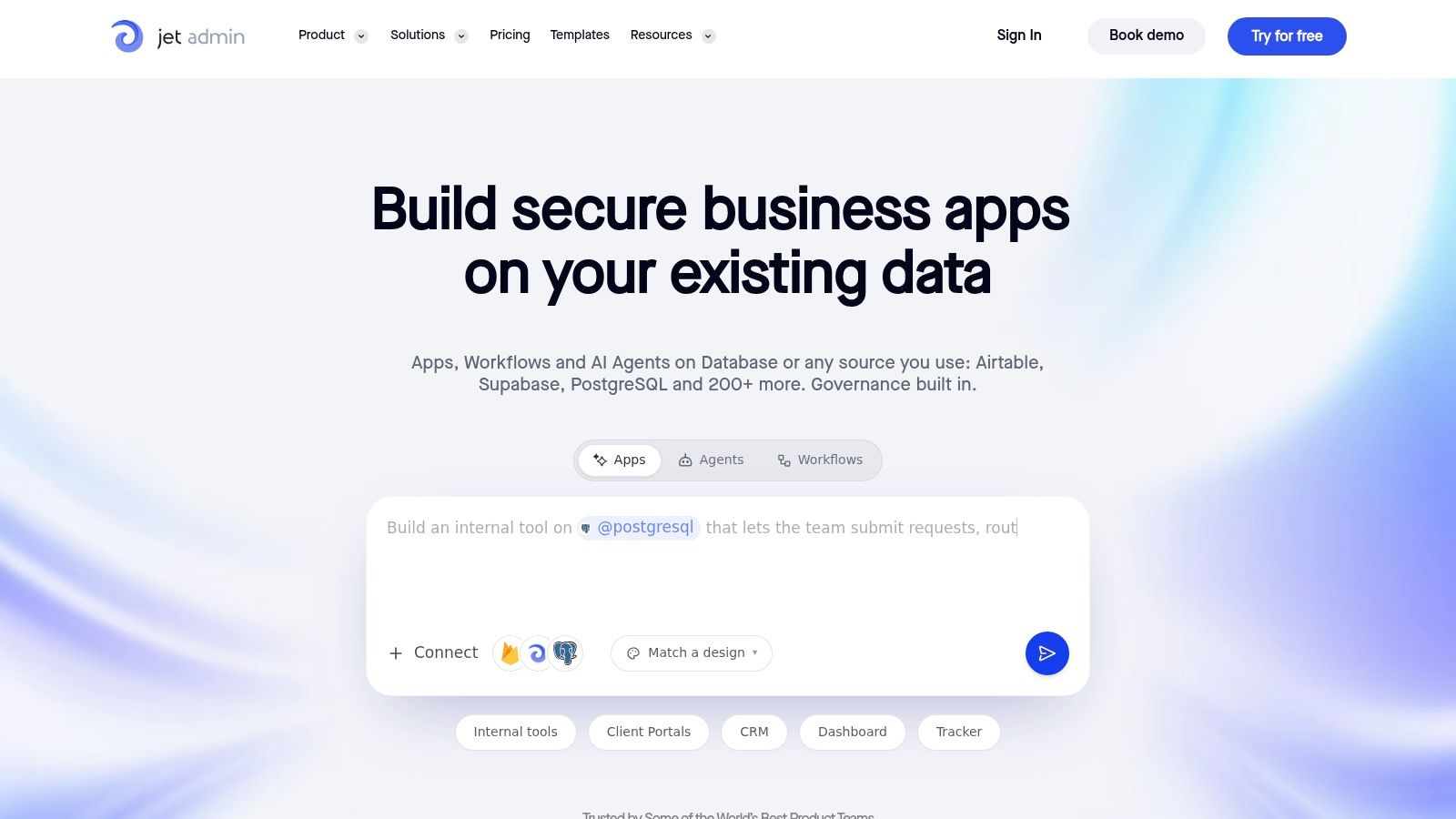
Jet Admin is well suited to admin panels, internal operations, and customer or partner portals built on data you already own. Its visual builder supports custom JavaScript, HTML, and CSS, so teams can start with configuration and add code where the interface or business logic needs more control.
The platform connects to 200+ integrations and databases, offers environments and activity logs, and provides an on-premise option for Enterprise. SSO, SAML, and two-factor authentication are available within the broader security model, with some advanced controls gated by plan. See the Jet Admin platform for the current deployment and licensing details.
Simple user counts, unfamiliar AI economics
Unlimited apps and users make Jet Admin easy to understand for mixed internal audiences. That can be more predictable than a platform that charges separately for every viewer or app. The catch is that the pricing model now revolves around AI build credits, which may be unfamiliar to teams that budget by seats or environments.
Enterprise customers need to verify where on-premise deployment, SSO, two-factor authentication, version control, and more advanced governance sit. A feature being available in the product doesn’t mean it’s included in the plan you first evaluate.
Jet Admin is a sensible choice when the priority is connecting a polished interface to existing data with minimal migration. It is less attractive when open-source licensing is mandatory or when a security team wants every application and runtime artifact under internal ownership.
The migration decision should also consider how much custom code is embedded in current Retool apps. A visual rebuild may be fast for standard tables, forms, and approvals, but unusual JavaScript logic still needs careful mapping and regression testing.
9. Forest Admin
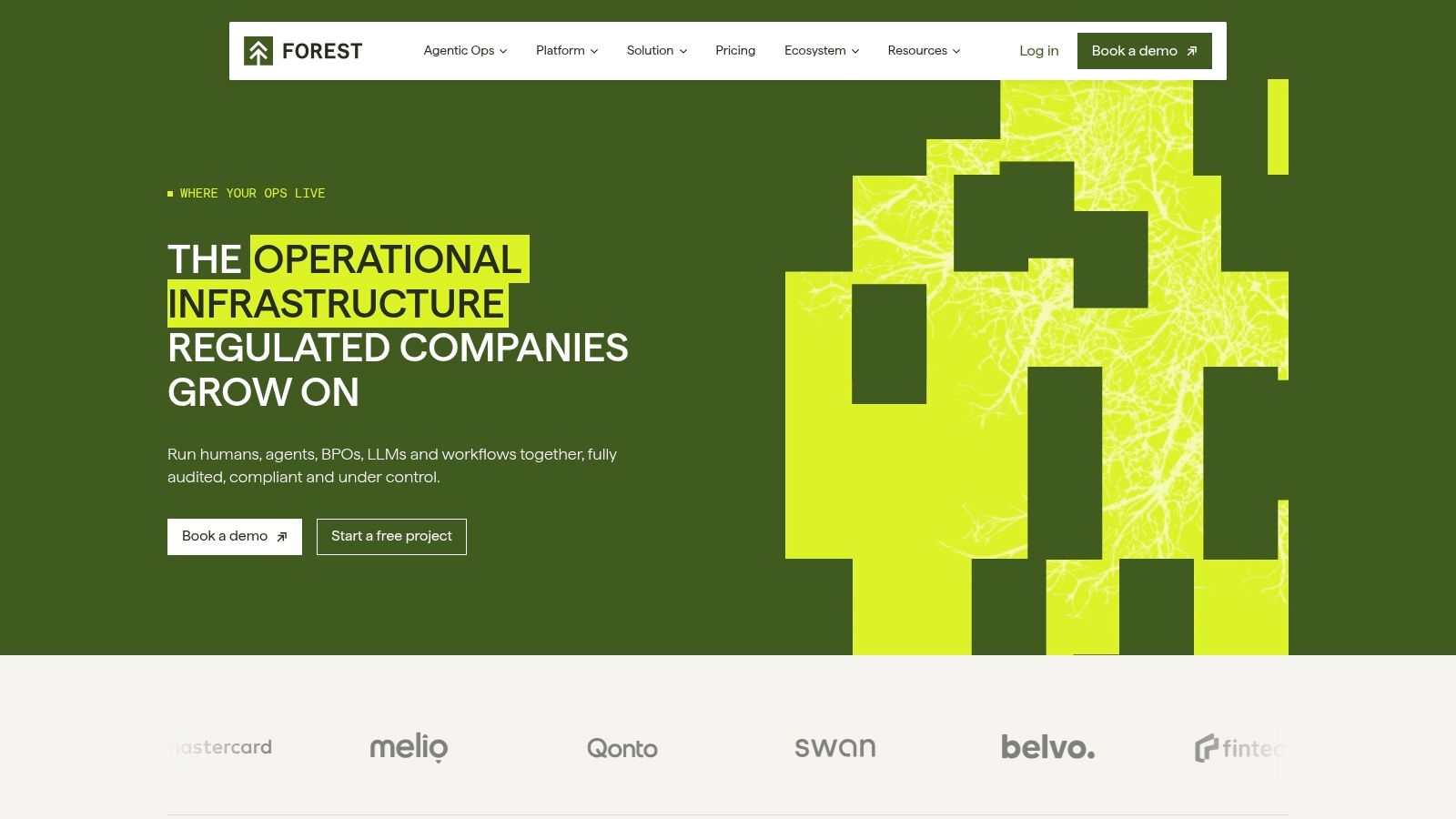
Forest Admin is a strong candidate when the internal application is fundamentally a governed back office. Instead of moving your entire data estate into a hosted builder, Forest Admin uses a self-hosted Forest Agent to connect live to databases and services in your infrastructure.
That architecture suits teams with strict data-sovereignty requirements. The interface builder supports workflows, approvals, inbox and case management, and operational actions. Advanced RBAC, SSO, SCIM, IP allowlisting, and detailed audit and event controls help security teams answer who accessed or changed what.
Governance is the product, not an add-on
The self-hosted agent keeps the connection layer close to your systems, while the hosted interface handles the operational experience. That separation can reduce exposure, but it also means your engineering team must understand the agent, its deployment, its network access, and the code behind custom actions.
Forest Admin is typically more expensive than lightweight low-code tools and is billed on annual terms. That can make it difficult for a small team that wants to experiment without a procurement commitment. The Forest Admin website is the appropriate place to confirm current commercial and deployment terms.
It also favors engineering familiarity. Teams get more value when they can write coded actions, model permissions carefully, and integrate the platform into existing identity and operational processes. A non-technical department looking for a self-service builder may find the governance model heavier than necessary.
Choose Forest Admin when auditability, data location, and controlled back-office operations outrank low entry cost. It isn’t a universal Retool replacement, but it can be a strong fit for high-control environments where a generic visual builder leaves too many unanswered questions.
10. Openblocks
Openblocks is for teams that want a fully open-source, extensible Retool-style builder and are willing to operate more of the stack themselves. It uses a visual interface with JavaScript throughout, reusable queries and modules, and a custom React component SDK.
The platform includes 50+ components and connectors for REST services and databases such as PostgreSQL, MongoDB, MySQL, Redis, Elasticsearch, and Oracle. RBAC, version history, and audit logs provide a foundation for controlled internal applications. Its Openblocks GitHub repository is the central source for the project and its community-driven development model.
Maximum control, minimum handholding
Openblocks avoids the lock-in associated with a commercial runtime. Your team can inspect, modify, extend, and deploy the software on its own terms. That is valuable when portability matters more than a polished enterprise procurement experience.
The cost is ownership. Community-driven support means your team handles security updates, infrastructure, backups, monitoring, incident response, and decisions about whether upstream changes are safe to adopt. Enterprise features are also less turnkey than they are in commercial platforms.
Openblocks makes sense for an engineering-led company that already runs containerized services and wants to build quickly on top of internal APIs. It is a poor choice if nobody has clear responsibility for the deployment or if the business expects a vendor to provide a complete operational safety net.
The cheapest license isn’t always the cheapest operating model. Count the people who will secure, monitor, upgrade, and recover the platform before comparing subscription prices.
Top 10 Retool Alternatives, Feature & Pricing Comparison
| Product | Core features (what it offers) | Reliability & UX ★ | Pricing & Value 💰 | Target audience 👥 | Unique selling points ✨ |
|---|---|---|---|---|---|
| Croft 🏆 | Private named server; enterprise SSO (passkeys); connectors; monitoring; versioned deploys; tested backups | ★★★★☆, monitoring, alerts, one‑click rollback | 💰 Flat plans from $24/mo; 7‑day free trial; BYO‑AI (no token markup) | 👥 SMBs, ops/IT, security teams, developer teams | ✨ Dedicated portable croft; connector governance; exportable Docker backups |
| Superblocks | AI agent (Clark); cloud/hybrid/VPC; 50+ integrations; Git & staging | ★★★★, strong observability & enterprise flows | 💰 Usage/GAU-based; per‑app caps on some plans | 👥 Dev teams, enterprises needing VPC/hybrid | ✨ VPC/Hybrid deploy + AI agent for dev workflows |
| Appsmith | Drag‑drop UI; JS everywhere; DB/REST/GraphQL connectors; Git | ★★★★, mature OSS UX; predictable behavior | 💰 Cloud/user pricing; self‑host free; no dev‑seat fees | 👥 Teams wanting OSS visibility & self‑host | ✨ Open‑source ecosystem; transparent code‑first builder |
| ToolJet | 80+ UI comps; 100+ data sources; AI prompt‑to‑app & agents; Git | ★★★★, flexible, many connectors | 💰 OSS core free; cloud tiers with AI credits | 👥 Teams wanting OSS + AI + self‑hosting | ✨ Strong connector library + built‑in AI agents |
| Budibase | App builder + automations/agents; unlimited apps; SSO | ★★★★, solid for self‑hosted internal tools | 💰 OSS self‑host free; cloud with action‑based pricing | 👥 Organizations needing unlimited users & OSS | ✨ Unlimited users self‑hosted; action‑based cloud pricing |
| UI Bakery | Self‑host (Docker/K8s); SSO/SAML; AI App Generator; RBAC | ★★★★, enterprise governance focus | 💰 Per‑developer pricing; generous viewer seats by plan | 👥 Regulated orgs, teams needing viewer licensing | ✨ Strong viewer model + BYOK AI options |
| DronaHQ | 100+ UI comps; reusable APIs; SSO; AI/voice/chat agents | ★★★★, broad app types incl. mobile | 💰 Mixed model; per‑task charges ($0.002/task) possible | 👥 Larger orgs needing mobile & portals | ✨ Multi‑experience (mobile/voice) + app catalog |
| Jet Admin | Visual builder + custom code; 200+ integrations; on‑prem option | ★★★★, unlimited apps/users; admin UX strong | 💰 AI‑credits pricing; cloud tiers; on‑prem for Enterprise | 👥 Mixed teams, regulated orgs needing on‑prem | ✨ Unlimited users/apps; path to on‑prem deployments |
| Forest Admin | Self‑hosted agent; interface & workflow builders; approvals | ★★★★☆, enterprise audit & compliance focus | 💰 Premium pricing (annual); enterprise terms | 👥 Regulated/high‑control orgs, security teams | ✨ Data‑sovereign agent + deep audit controls |
| Openblocks | Visual builder; 50+ comps; RBAC; AGPL open‑source | ★★★★, fast iteration for devs; community support | 💰 Free AGPL self‑host; pay for managed services | 👥 Teams prioritizing OSS & no vendor lock‑in | ✨ Fully open‑source, extensible SDK & modules |
Choose the Operating Model Before the Builder
Retool remains a credible choice for teams with strong developers, acceptable cloud hosting, and a preference for a mature developer-first workflow. Its user satisfaction rating is 91% from 557 reviews, according to aggregated SelectHub review data. That doesn’t make it the right default for every new internal app. The same data places Zoho Creator at 89% from 557 reviews, Microsoft Power Apps at 87% from 550 reviews, and Oracle APEX at 82% from 113 reviews, which shows that review scores alone don’t settle questions about governance, deployment, or ownership.
Start with the failure you want to prevent.
Choose Croft if you’re an SMB, operations group, freelancer, or security team that wants private, governed AI-built apps without creating another unmanaged runtime. Its named private server, company login, connector approvals, monitoring, tested backups, reversible deploys, exportable Docker-ready artifacts, and flat-plan model address the period after the prototype works. The trade-off is scope. Croft is intentionally focused on internal and small-scope business applications, not public consumer products, and you bring your own AI accounts.
Choose Superblocks or Forest Admin when enterprise deployment and control are the dominant requirements. Superblocks is the better fit for teams that want AI-assisted development with cloud, hybrid, or VPC deployment, Git workflows, environments, and observability integrations. Forest Admin is stronger when your use case is a governed back office connected to data that must remain in your infrastructure, with detailed permissions, approvals, provisioning, and audit trails.
Choose Appsmith, ToolJet, Budibase, or Openblocks when self-hosting and open-source ownership lead the evaluation. Appsmith is a mature general-purpose option for developer-led teams. ToolJet adds a strong AI and agent-building direction. Budibase is practical for CRUD, forms, and workflows, especially when unlimited self-hosted users matter. Openblocks offers broad extensibility for teams willing to own operations and community-driven support.
Choose UI Bakery, DronaHQ, or Jet Admin when their specific product shape fits the workload. UI Bakery works well for mixed builder and developer teams with many viewers. DronaHQ is worth shortlisting when mobile, portals, and broader app surfaces matter. Jet Admin fits teams connecting admin panels or portals to existing data, provided its AI-credit pricing and enterprise feature gates fit your planning model.
A successful migration doesn’t begin with rebuilding every screen. Begin by inventorying Retool apps, owners, dependencies, data sources, queries, JavaScript, scheduled jobs, credentials, and user groups. Classify each app by business criticality and permission sensitivity. A finance approval workflow needs a different migration path from a convenience dashboard.
Then reproduce one low-risk workflow on the proposed platform. Test authentication, role inheritance, row-level access, connector handling, write operations, error behavior, response times, and audit records with representative data. Don’t accept a successful demo as proof that the new system can safely operate in production.
Run the old and new applications in parallel for a defined period. Preserve or export source data, revoke obsolete credentials after cutover, train the people who will maintain the replacement, and document who owns incidents. Before switching traffic, agree on the rollback trigger, the person authorized to invoke it, and the recovery source that will be used.
The best Retool alternative is the one whose operational responsibilities match your team. If your security group can’t support Kubernetes, don’t select a platform because self-hosting appears on its feature page. If your operations team can’t safely maintain JavaScript, don’t call a developer-centric builder no-code. If AI can generate the app, require the same discipline you would apply to any production software, identity controls, connector approval, version history, monitoring, tested backups, and a named owner.
Croft gives teams a private server for AI-generated internal apps, with company login, governed connectors, monitoring, versioned deployments, tested backups, and exportable application artifacts. If you’re evaluating Retool alternatives through the lens of security and ownership after launch, Croft is a practical platform to test.
Stake out your croft.
Your team's first app could be live before lunch.
Get your croft7 days free, no card to start. From $24/month - cancel anytime and take everything with you.