Your business data, ready for your AI.
Croft keeps the data from your business tools in sync on your own private server, so Claude or ChatGPT can answer questions across all of it, and build the integrations that get the work done.
No card. 7 days. Cancel anytime.
How it works
Connect once. Ask anything. Let it do the work.
Connect your tools.
Sign in to the tools you already use, from accounting and payments to your CRM. Croft keeps a tidy copy of the data in sync: no spreadsheets, no exports.
Your data on CroftAsk your AI.
Connect Claude, ChatGPT or Cursor with one link. Ask in plain words; it answers from your real numbers and tells you how fresh they are.
How to connectLet it do the work.
Want an invoice drafted, or a report every Monday? Your AI builds a small integration for it on Croft, and uses it from then on.
Ask your AI
The questions you used to export a spreadsheet for.
Copy one into Claude or ChatGPT once your croft is connected. It looks up the answer in your synced data, across every tool you’ve connected.
 Xero
Xero
“Which customers owe us the most, and how overdue are they?”
Xero
“What did we spend by category last month compared with the month before?”
 Google Search Console
“Which pages lost the most clicks this month, and why might that be?”
Google Search Console
“What are our top 20 search queries over the last 28 days?”
“Draft an invoice for Acme’s overdue retainer.”
“Every Monday, email me the list of overdue invoices.”
Your data
No more exporting spreadsheets.
Croft keeps a tidy, current copy of each tool’s data, so you never download a CSV to paste into your AI again. Every answer starts from today’s numbers.
Readable tables
“Sales invoices”, “Bills”, “Top queries”: laid out like a tidy spreadsheet, with names you’d recognise.
Analysis already done
Ready-made views like “queries losing clicks” compare this month with the last, so your AI starts from a sensible answer.
Always current
Each sync picks up what changed since the last run, and every answer can say when the data was last synced.
Browse it yourself
Every table, every row, without a spreadsheet: search, sort, filter, open a record, export to CSV.
You choose the history
Keep 90 days, a year, or everything, source by source. Financial records keep everything by default.
Admins decide who sees it
New sources are visible to admins only. Open each to the whole team or to named people when you’re ready.
Bring it all together


Accounting, payments, CRM, analytics and more, keys held by Croft.
See what you can syncIntegrations
Doing, not just answering.
Ask your AI to draft an invoice and it builds a small invoicing app on Croft, using your connected Xero, your rules and your approvals. Next time it just uses it. Every integration is an app your team can open, read and change.
- Nothing happens by surprise. An app only does what it was built to do, and anything that deletes or can’t be undone asks first.
- On a schedule or on a trigger. The Monday overdue list, a failed-payment email, a weekly search report.
- Every run is logged with who asked and which AI did it, from Claude, ChatGPT or Croft’s own assistant.
Team memory
Everyone’s AI knows what the team knows.
Tell your assistant “remember for the team: refunds over $500 need Sam’s approval” and everyone’s AI, Claude or ChatGPT, knows it from then on. See every change, who made it and from which assistant, and restore an earlier version.
Croft for teamsBuild on it
And when you need more than an answer, build it.
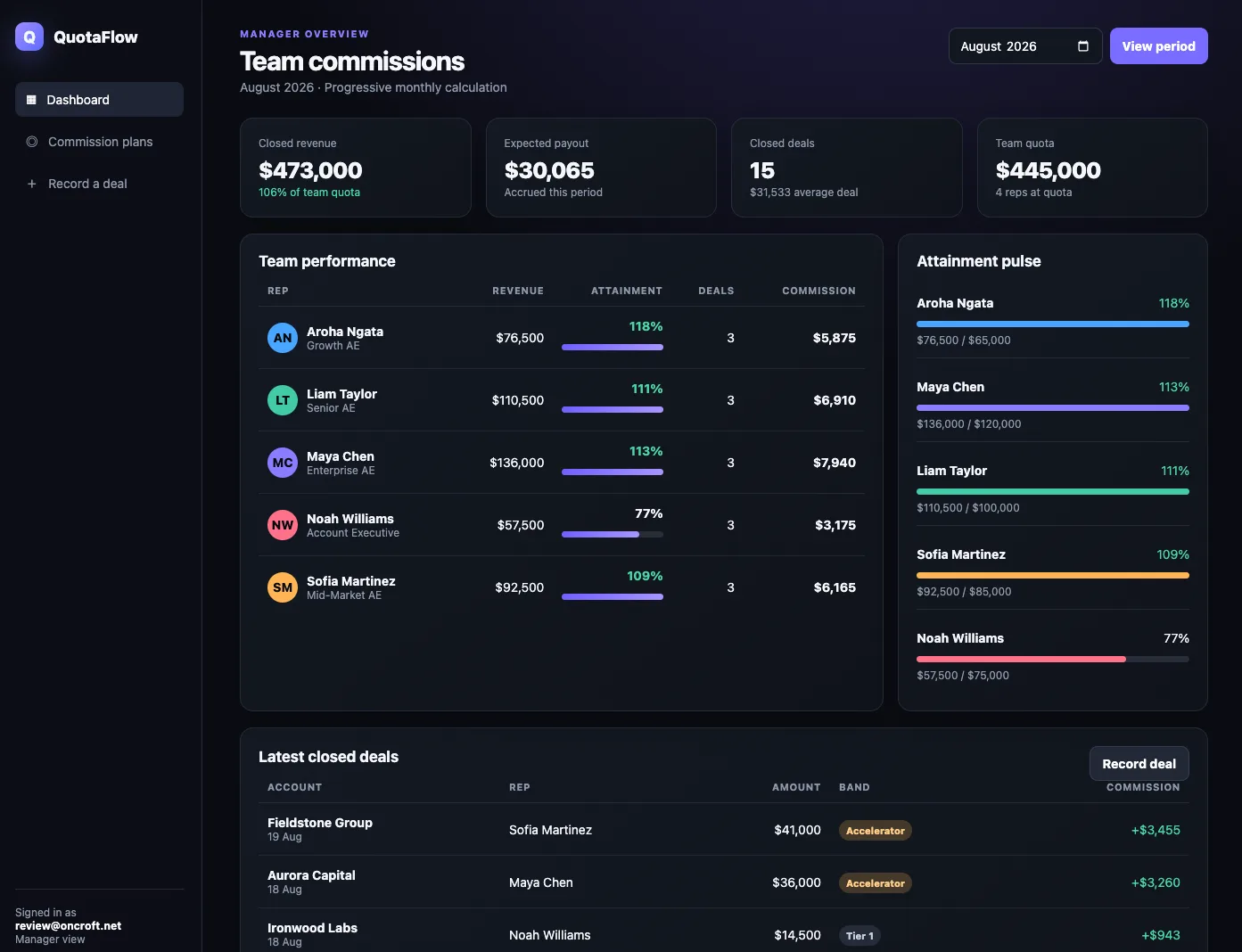
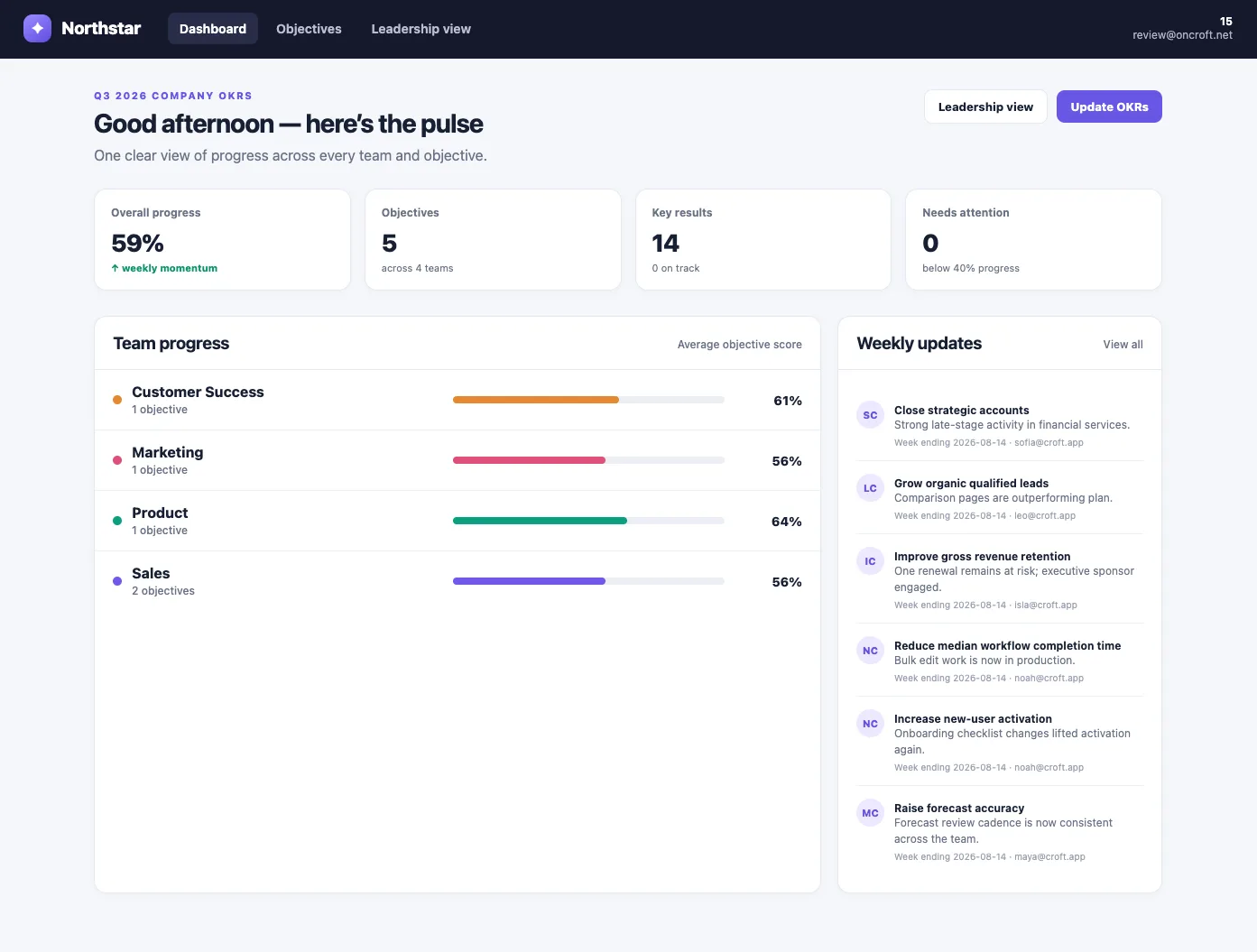
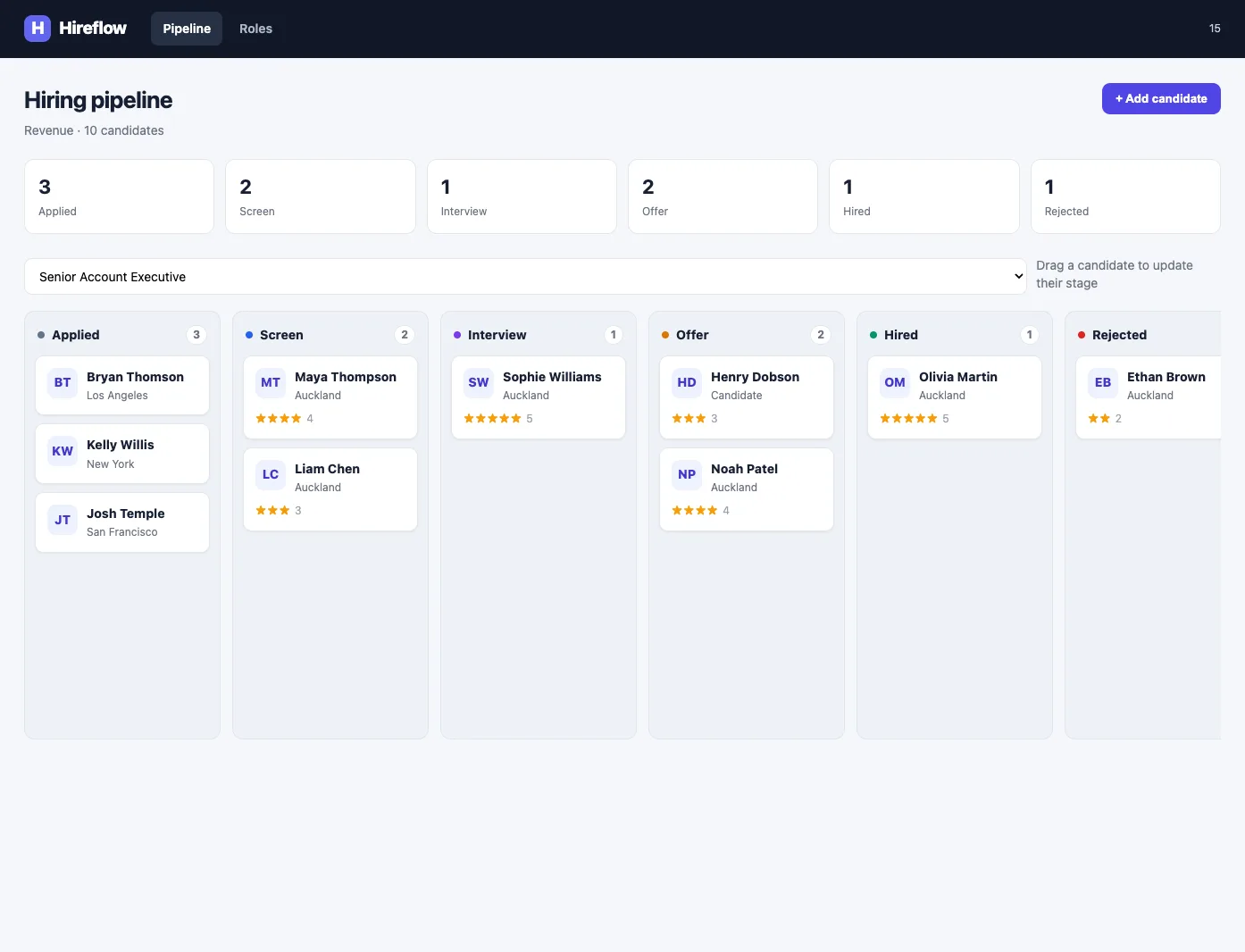
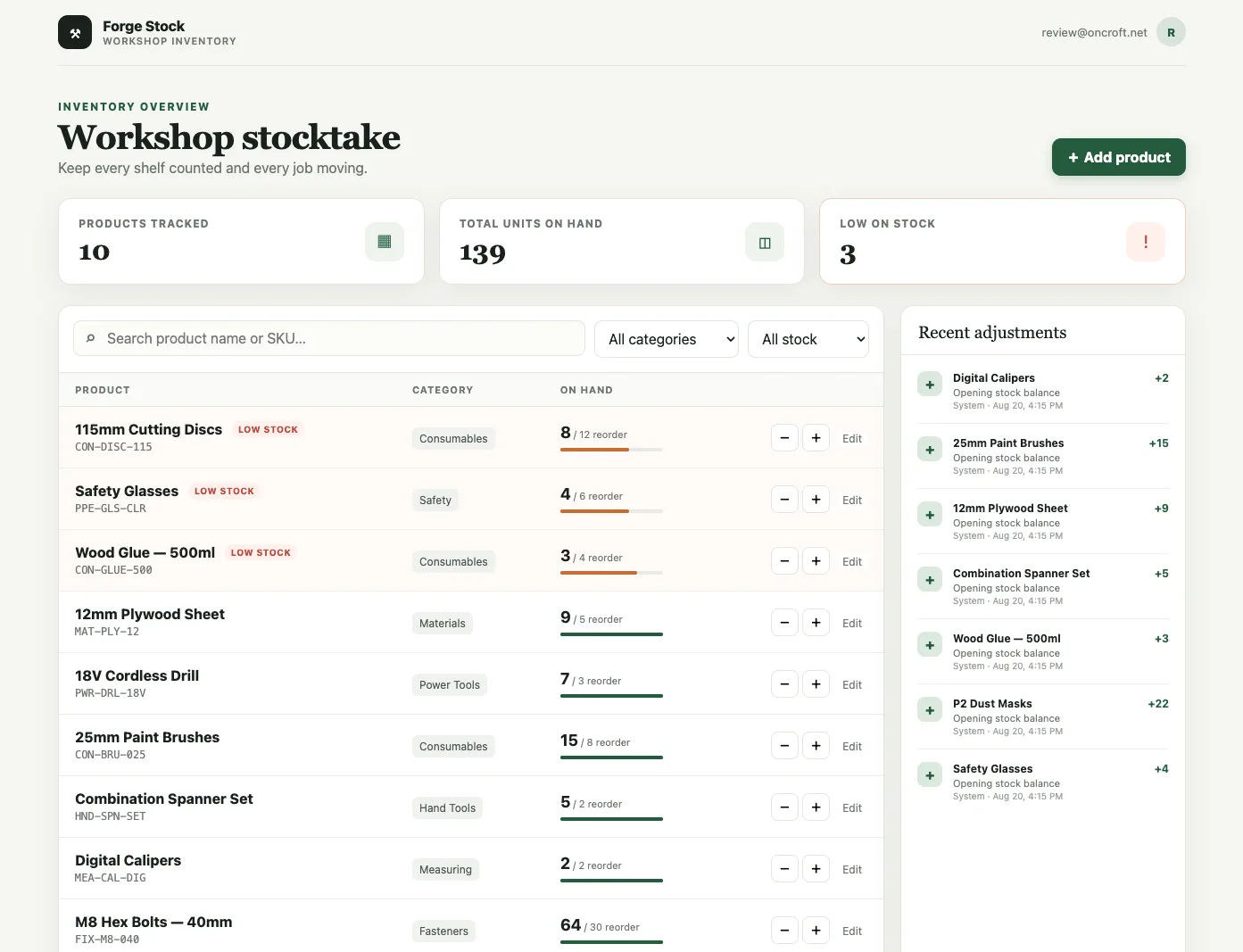
Dashboards, client portals, approval flows: built by your AI on top of your data, and hosted on your croft behind your company login.
Finance
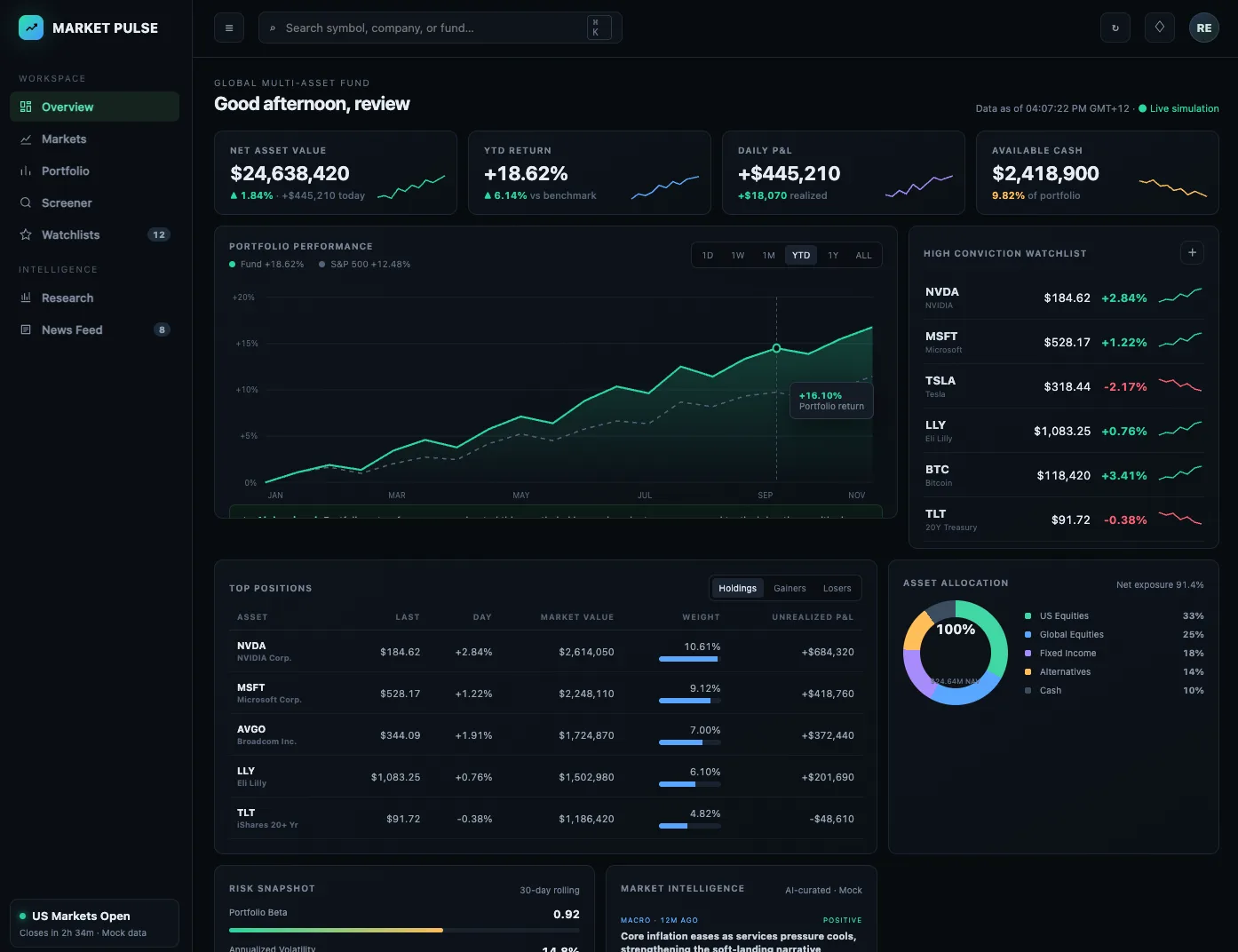
Investment dashboard
Build me a dark-mode financial dashboard on Croft. Connect it to live market data and show net asset value, returns, daily profit and loss, available cash, holdings, asset allocation, and risk metrics. Show portfolio performance against a benchmark, add an interactive watchlist and real-time market intelligence feed, and let analysts search holdings, switch chart periods, filter positions, and monitor live price updates.
The platform
The parts real apps need, already wired in.
You build the apps. Croft is the platform they run on — a database, company login, connectors, schedules, and monitoring, on a private server of your own.
Ask Croft
Ask Croft to build, change, or query your apps.
Database
Every app has its own SQLite database, and apps can share workspace data when you allow it.
Auth
Single sign-on with passkeys in front of every app. Roles included.
Schedules
Croft calls your app on a cron, through deploys and reboots.
Monitoring
Errors, metrics and logs, captured automatically.
Connectors
Call any outside API without a key in your code.
Files, secrets, rollbacks, export. Already there too.
See every building blockStart your free trial.
No card. 7 days. Cancel anytime.
On purpose
Built for your team, on purpose.
Croft apps are for your team and the people you invite — not the whole internet. Because they don’t need to scale to strangers, they run on a private server of your own, at a flat price with no usage meter.
- Company login, built in. Every app sits behind enterprise single sign-on before a line of its code runs.
- Access app by app. Share some with everyone, keep others just for you. Remove someone once and they’re out of everything.
- Versioning, backups, rollback. Every deploy is reversible. Nothing stays broken.
What you get back
Time back, control kept, apps that actually ship.
Share a working app with the team in minutes.
No more emailing spreadsheets or HTML files. Your AI builds it, Croft hosts it, and you send one link. Everyone signs in and it just works - live, backed up, and under one company login.
Get hours back each week.
No hosting to assemble, no server to maintain, no spreadsheet handoffs to chase. The things that used to take half your Friday now just run - you spend the time on the work instead.
Private by default, with company login.
Your apps sit behind your login page before a single line of their code runs. Your data stays with your team. Access is yours to control. No public cloud, no shared tenancy, no surprises.
One maintained place for everything you build.
Versioning, backups, monitoring, rollbacks - the parts real software needs are already in. You don't assemble the stack yourself or pay four vendors. It's one place, one bill, one login.
FAQ
Frequently asked questions
What is Croft?
Croft connects the tools your business runs on, from accounting and payments to your CRM and analytics, keeps a tidy, up-to-date copy of their data on your own private server, and lets your AI assistant answer questions and get work done with it. Your AI can also build and host apps and integrations on top of that data.
Which AI assistants work with Croft?
Claude, ChatGPT, Cursor, Grok, Microsoft Copilot, or any assistant that speaks the open MCP standard. You bring your own AI account - Croft doesn’t resell AI or meter tokens. Everyone shares the same team memory, whichever assistant they use. You can also Ask Croft from inside the workspace.
Which tools does Croft keep in sync?
Tools where having the data in one place pays off: accounting, payments, CRM, analytics, projects and forms. Each connector’s page says what it brings in. Your apps can also use 50+ tools through connectors, and a custom connector for any API.
Does the AI see my passwords or keys?
No. Croft holds the connection to each tool. The AI only sees the data you’ve allowed it to see, and only through Croft. Apps use connectors without the key ever touching their code.
Who can see our financial data?
Synced data starts visible to admins only. Admins can open each source to the whole team or to named people, so finance data can stay with finance.
Can the AI change things in Xero?
Only through an app your team can see. Your AI builds a small app for the job, such as drafting invoices, with your rules and approvals. Actions that delete or can’t be undone ask you first, and every run is logged with who asked and which AI did it.
Do I need to know how to code?
No. You connect your tools and ask questions in plain words. When you want something built, your AI writes the code; developers can point Cursor or Claude Code at the same croft.
How much does Croft cost?
Croft has three plans - Solo, Team, and Enterprise - billed monthly or annually with no usage meter. There’s a 7-day free trial and no card required to start - see the pricing page for current plans.
Start your free trial.
Your team's first app could be live before lunch.
No card. 7 days. Cancel anytime.